Reduce uncertainty
An interactive preview answers the question product photos alone leave open: what will this product look like in my home?

HomeVisioner
Returns often happen because shoppers could not confidently judge a product's colour, size, or impact. A preview in their own room brings clarity directly on the product page.
An interactive preview answers the question product photos alone leave open: what will this product look like in my home?
Shoppers make more informed decisions when they see a product in their own environment.
The HomeVisioner widget can be added to Shopify product pages and works with existing product images.
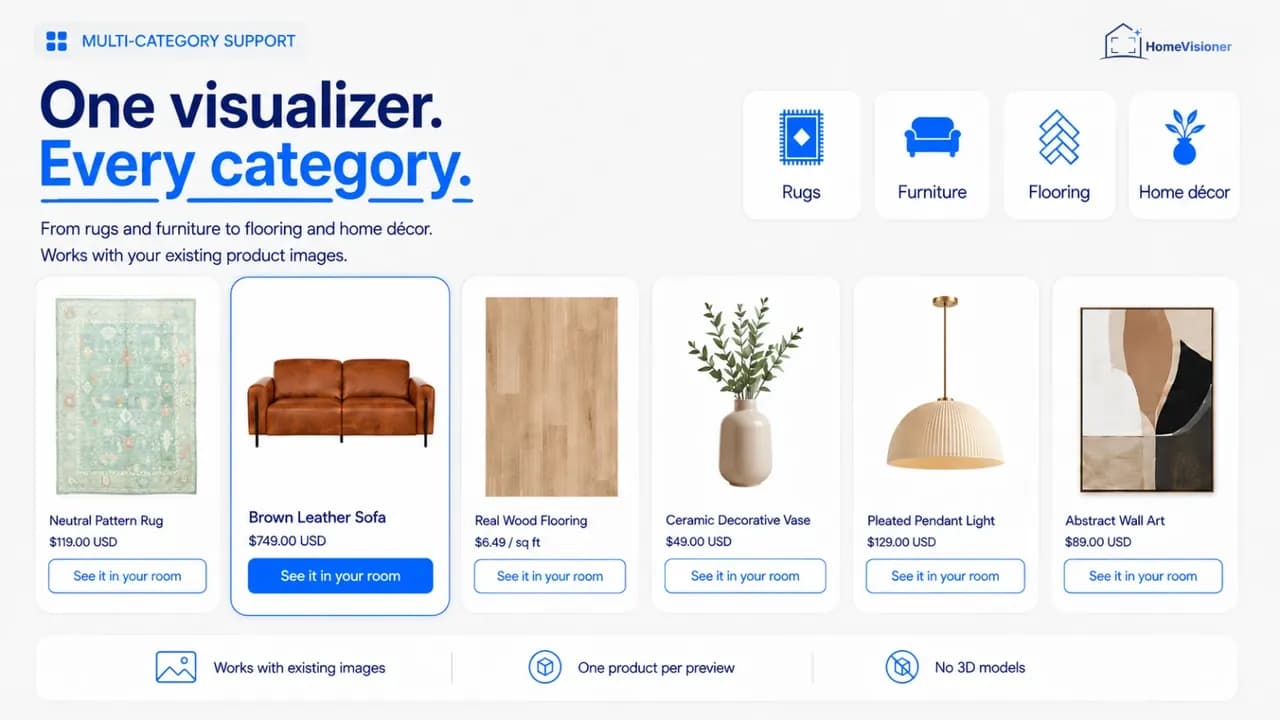
Every enabled product page gets a button such as “See it in your room”. Shoppers upload a photo of their room and see the product in it in seconds – for rugs, furniture, flooring and décor, using the product images you already have.
Not every return has the same cause. A room preview addresses the reasons that have to do with how a product looks in the room:
Transport damage, delivery times, quality issues or a sofa that does not fit through the door are beyond any preview. It is an AI image, not a measurement: scale and proportions are an approximation, so clear dimensions on the product page stay important. And we deliberately give no blanket percentage by which returns fall – it depends on the range, the price level and the store.
Whether the preview lowers returns for you can be checked with a simple comparison:
Note the return rate of the products in question over a period before you start.
HomeVisioner lets you enable the button per collection or per product. Start with one collection and keep a similar one for comparison.
Compare the return rates of both collections over the same period, and watch out for seasonal effects and promotions.
The HomeVisioner dashboard shows visualizations and the orders that followed them. Returns you analyse in your store system.
No. HomeVisioner is suitable for smaller Shopify stores too.
No. The widget works with your existing product images.
There is no honest blanket figure. Measure it in your store: one collection with the preview, a comparable one without.
Visualize furniture in your own room: check style, size, and impact before buying with HomeVisioner.
Two ways to show furniture and décor in a shopper's room: an AI preview built from product photos, or 3D models with AR. Use, cost structure and limits.
From install to the first preview: install the app, choose a plan, enable products, add the button to your theme and test it. No code.