 Live on the App Store
HomeVisioner for ikas
Let shoppers in your ikas store see furniture and rugs in their own room. Before they buy.
With the “See it in your room” button on your product page, visitors upload a photo of their room, see the furniture, rug or decor in their own room within seconds, and add the option they like to the cart straight from the result.
- No code, no theme edits
- The button places itself next to “Add to cart”
- Works on mobile and desktop

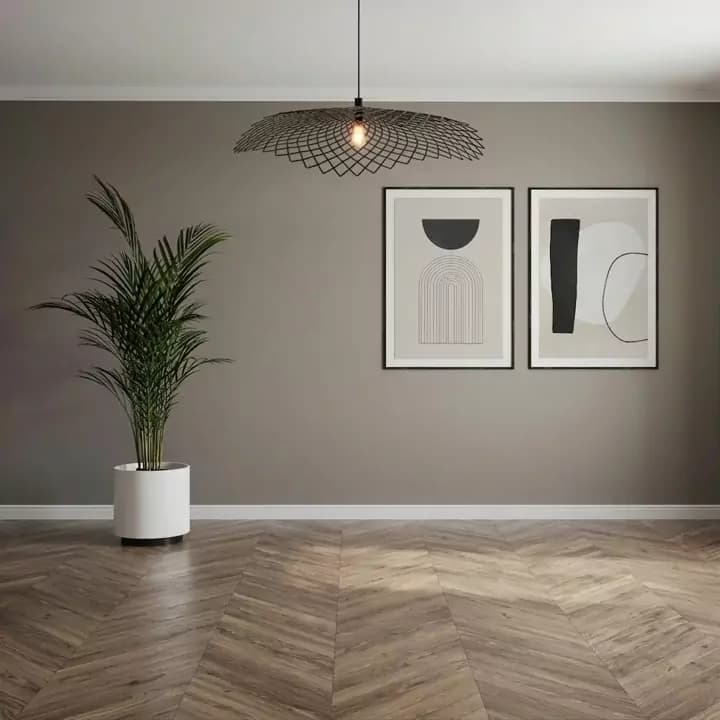
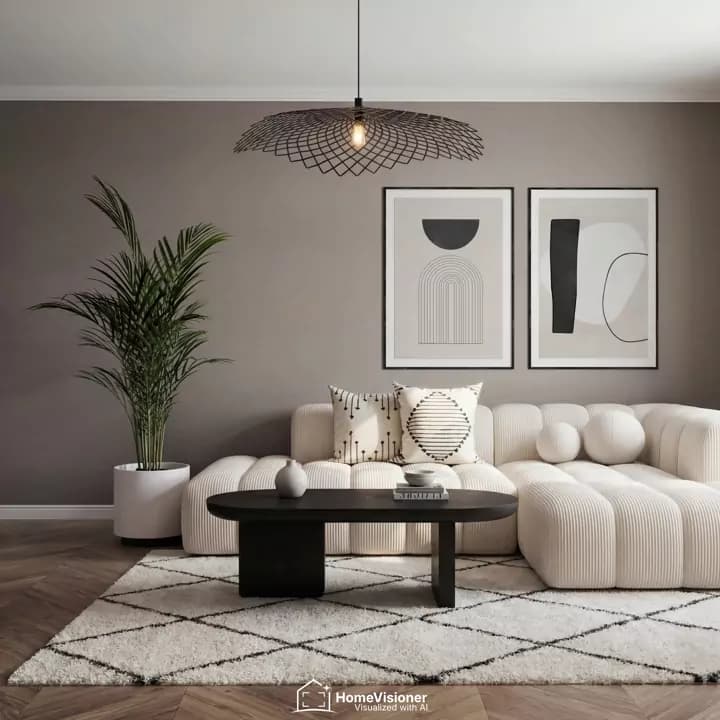
This is an AI preview. The product’s scale and proportions are illustrative only.
Illustrative images · sample store
- Free plan
- Free setup help
- Photos deleted within 30 days
- On ikas, for stores in Türkiye
For retailers · HomeVisioner network
Real stores. Real shoppers. Since launch.
- Product visualizations
- 9,800+98% completed successfully
- Leads captured
- 1,100+Shoppers who chose to leave their email
- Attributed orders
- 500+Orders attributed to a visualization or lead
- Attributed cart value
- $265K+Converted to USD
Anonymised totals across all stores using HomeVisioner, since June 2026 · As of 21 October 2026
About 5% of visualizations were followed by an attributed order: that shows a sequence, not a cause, and is not comparable with advertising conversion rates. How we measure
Case study
A store on Shopify: an online rug store in Europe, since May 2026:
- Room visualizations
- 2,287
- Shoppers left their email
- 291
- Orders from shoppers who used the visualizer
- 137
From product page to room, in four steps.
No app to download, no account. The whole experience stays on your product page.
- 1
Taps “See it in your room”
The button’s text, style and colours are yours. You decide which categories and products it appears on.
- 2
Uploads a photo of their room
Straight from the phone. A wide, well-lit photo with the floor in view gives the best result; a placement hint can be added.
- 3
Sees the product in their room
The preview is ready in seconds. Before and after are compared with a slider; the result can be downloaded or shared.
- 4
Adds it to the cart from the result
Option choice and “Add to cart” right below the result. Picking another option lets them create a new preview for it.
From furniture to rugs, in every room.
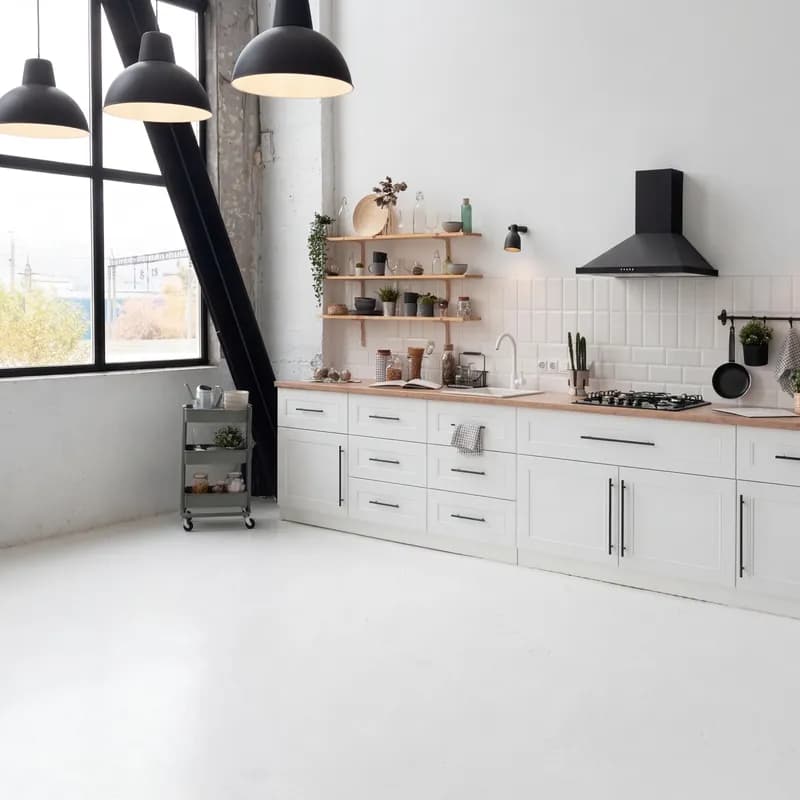
Shoppers upload a photo of their own room and see the product in it. Besides furniture and decor there are separate modes for floor and wall coverings; you choose in the panel which product is visualized with which mode.
 Before
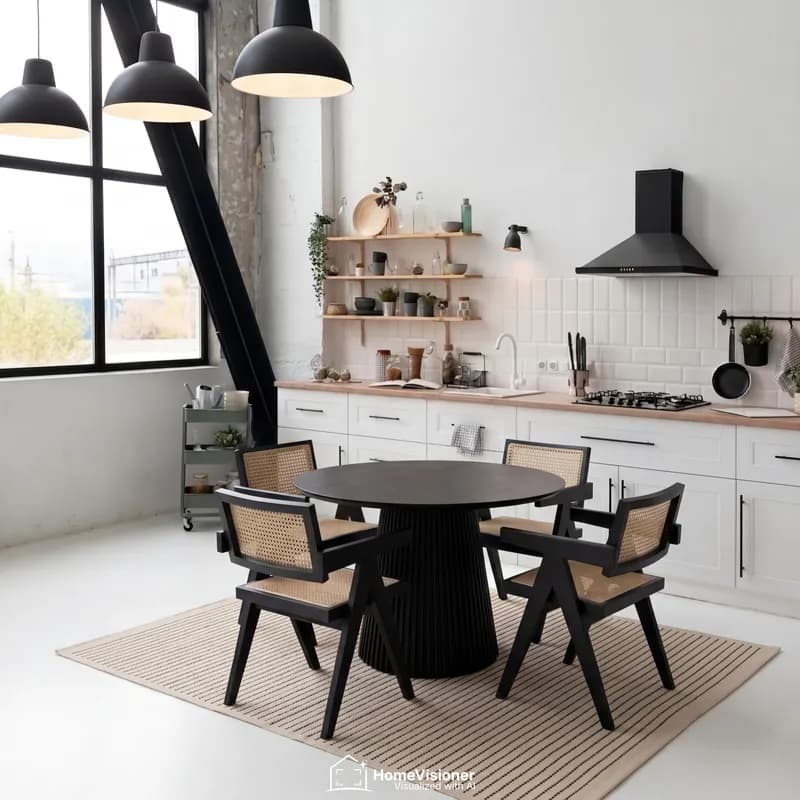 After
AfterDining room
Round dining table set and rug
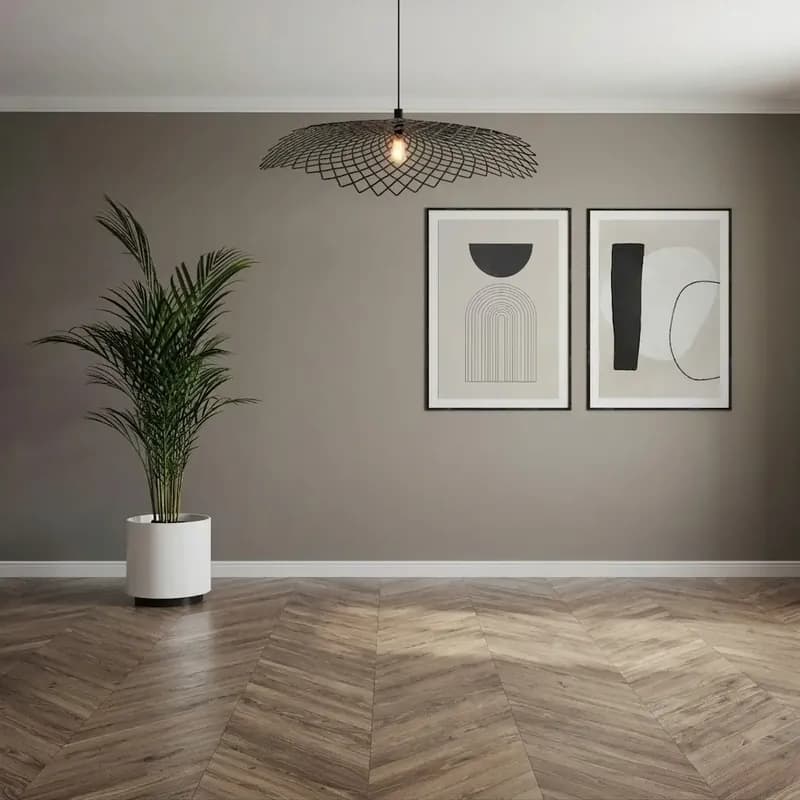 Before
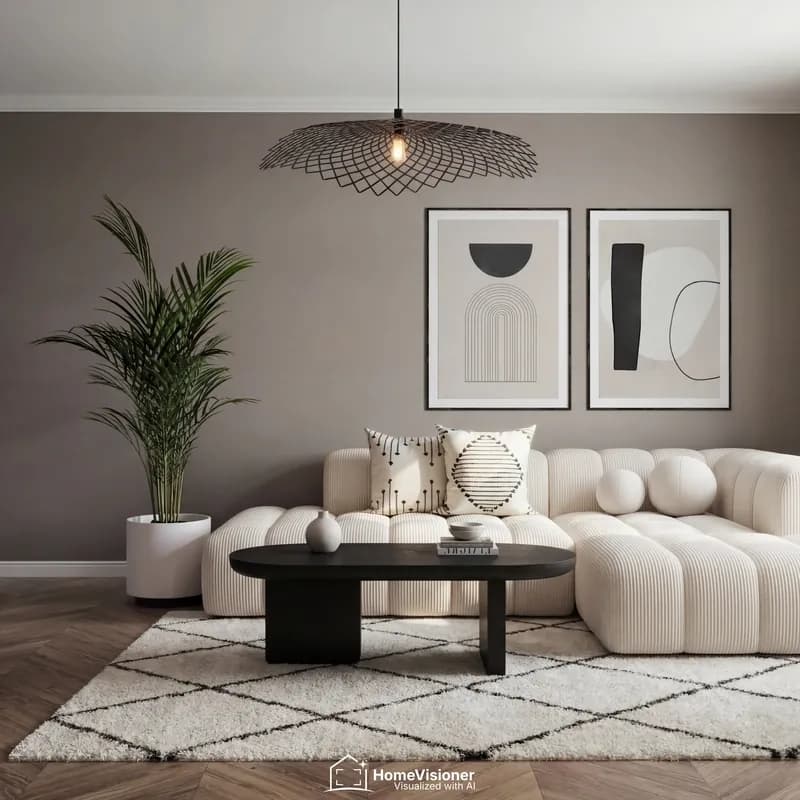 After
AfterLiving room
Sofa, coffee table and rug
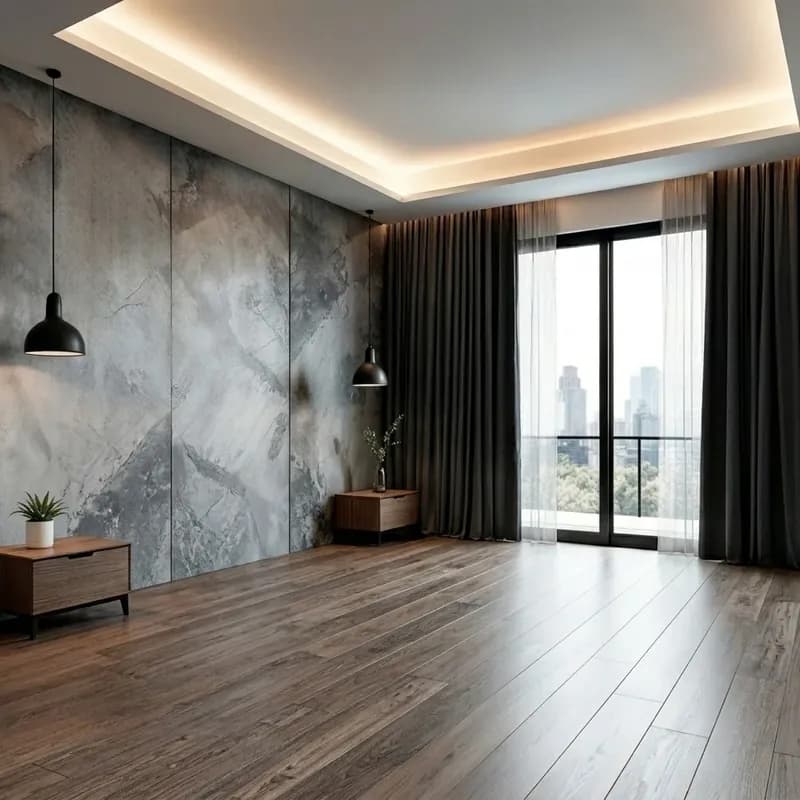 Before
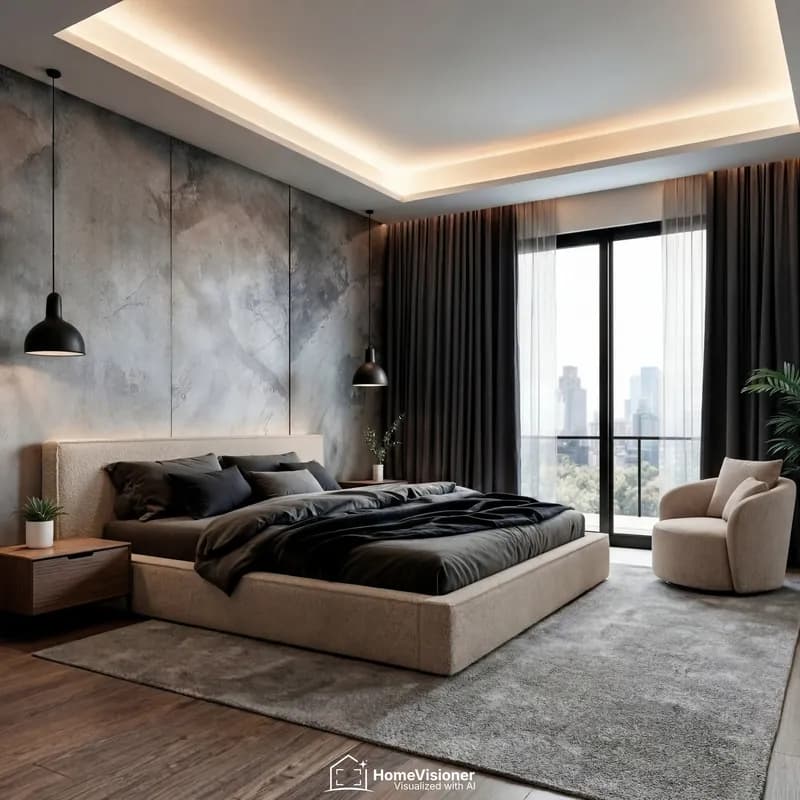 After
AfterBedroom
Bed, armchair and rug
- Furniture and decor
- Rug
- Floor covering
- Wall covering
For furniture stores For rug stores
The images are sample visualizations made with HomeVisioner.
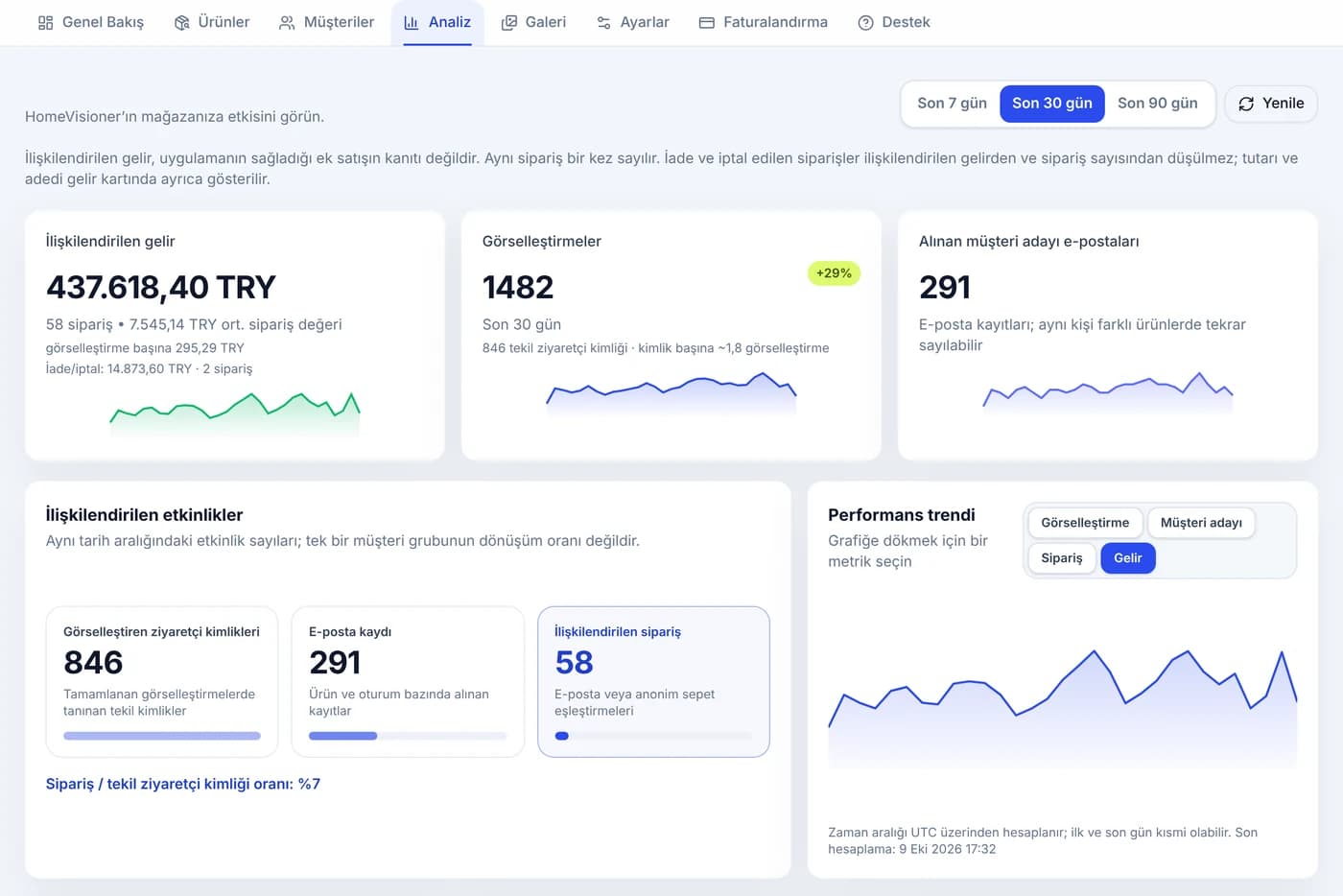
What every visualization does for sales, in numbers.
Revenue, orders and email sign-ups attributed to HomeVisioner on one screen, with daily trends. Attribution shows that an order followed a visualization, not that the visualization alone made the sale.
- Attributed revenue and orders
- Performance trend compared with the previous period
- Most visualized products
- Returns and cancellations are not deducted from revenue but shown separately
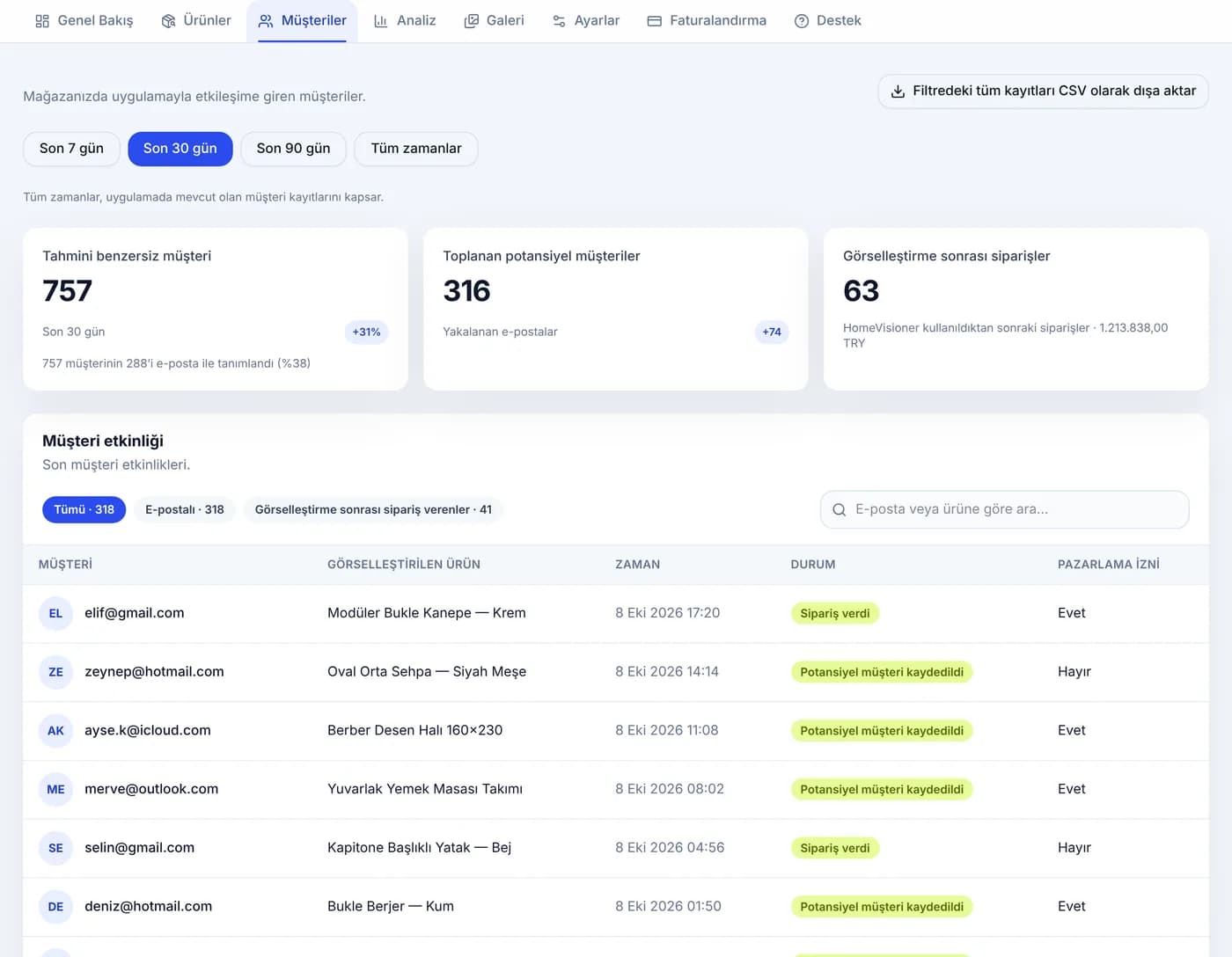
Every visitor who visualizes is a new lead.
Ask for an email address after the day’s free previews; every record is a lead. See who visualized which product and who placed an order; marketing consent is asked with a separate, unticked box.
- Email capture with marketing consent
- Who ordered after a visualization
- Export every record in the filter as CSV
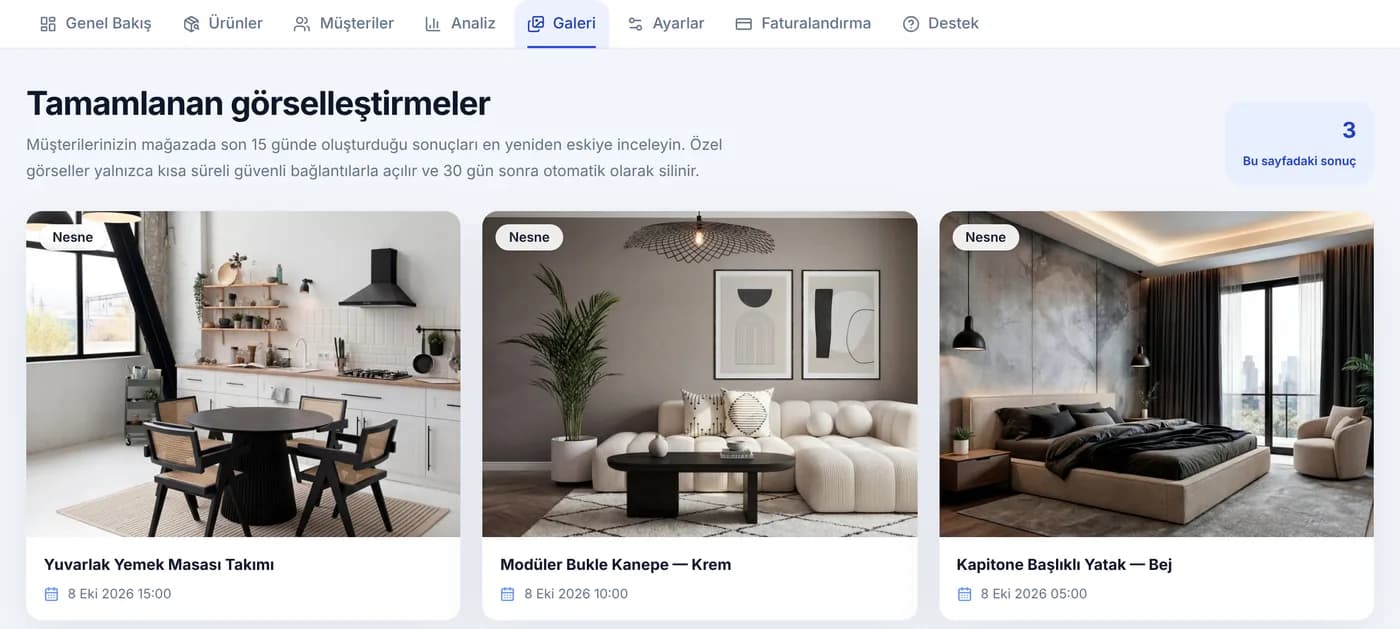
How do your products look in your shoppers’ rooms?
Browse the results created in your store, newest first, and see which product was visualized in which rooms. The panel shows the last 15 days of results. Images open only through short-lived secure links. Photos are deleted automatically after 30 days.
- Results from the last 15 days
- With product and date
- On the Starter, Growth and Pro plans
Live in minutes. No code.
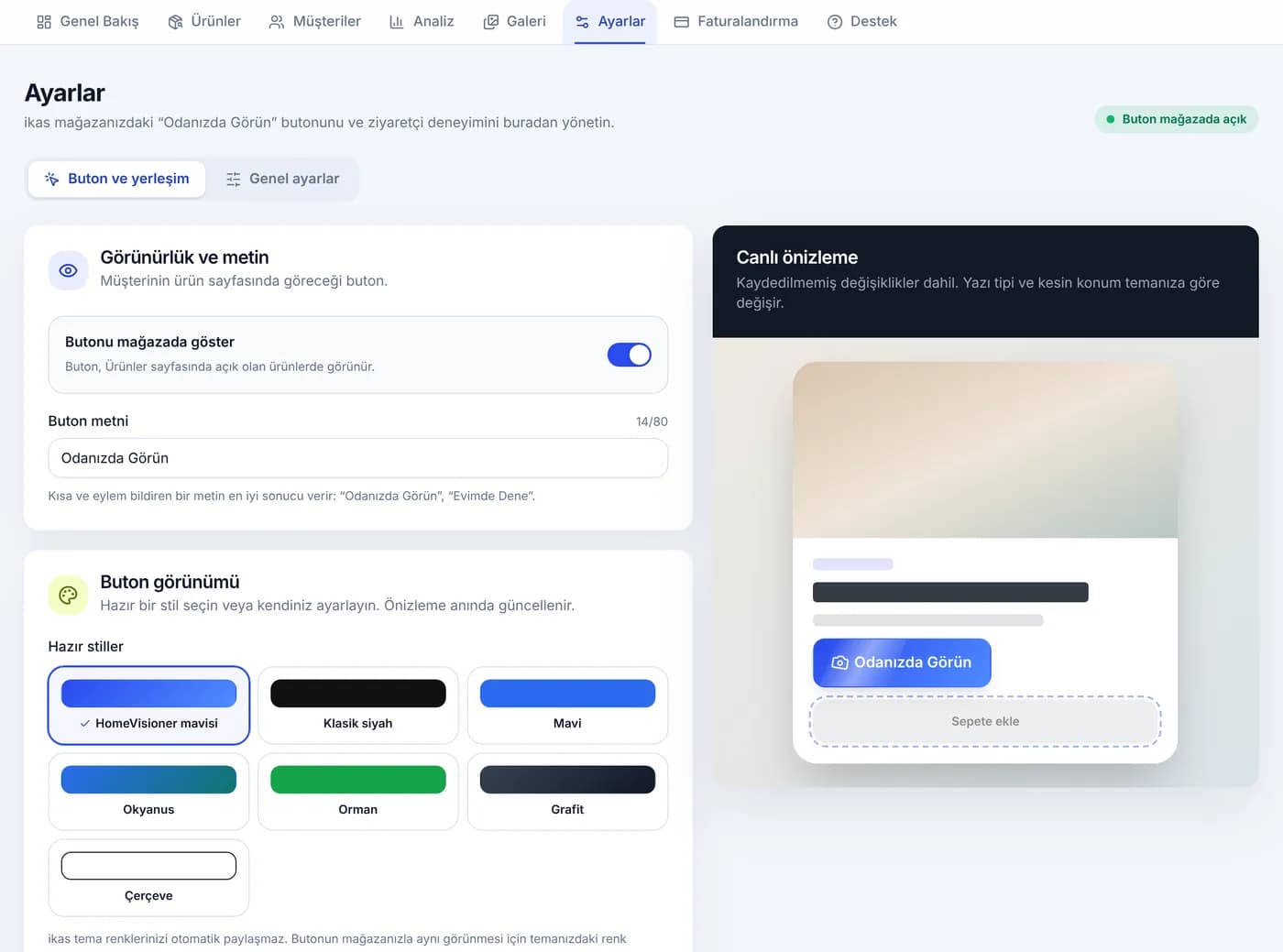
Pick the button’s look to match your brand and see it in the live preview. You decide which categories and products it appears on. If you get stuck, we set it up with you, free of charge.
- 7 ready-made button styles and custom colours
- Automatic placement; choose the spot yourself if you prefer
- On/off per category and product; furniture, floor or wall mode
- Free setup help
The room photo, only for that one preview.
Deleted within 30 days
Uploaded room photos and generated images are kept for at most 30 days, then deleted automatically.
No AI training
Photos and results are never used to train any AI model.
Rooms, not people
Photos with human faces are filtered out in the shopper’s browser before they are sent, and are not processed.
Email only with consent
Marketing consent is asked with a separate box that is not pre-ticked, and can be withdrawn at any time.
Start free, upgrade as you grow.
Plans are billed in euros (€). The lira amounts on the cards are approximate, at today’s rate.
Free
Freeno card needed
20 visualizations a month
When the quota runs out, it continues next period
- Customizable storefront app
- Lead capture and customer list
- Basic analytics dashboard
- HomeVisioner watermark on results
Starter
€24.99/ month
≈ ₺1,392 · rate of 25 October 2026 · billed in euros
100 visualizations a month
After the quota €0.30 per image · at most €50.00 a month
14-day free trial
- Everything in Free
- Customer image gallery
- HomeVisioner watermark on results
Growth
€74.99/ month
≈ ₺4,178 · rate of 25 October 2026 · billed in euros
300 visualizations a month
After the quota €0.25 per image · at most €200.00 a month
€749.90 billed yearly – 2 months free
- Everything in Starter
- Clean result images without a watermark
- Advanced insights and impact analysis
- Priority support
Pro
€199.99/ month
≈ ₺11,143 · rate of 25 October 2026 · billed in euros
1,000 visualizations a month
After the quota €0.20 per image · at most €500.00 a month
€1,999.90 billed yearly – 2 months free
- Everything in Growth
- Full white label – upload your own logo
- Custom logo and result watermark
- Priority visualization queue
- Set your own spending cap for extra usage

Setup helpFree
We set up the button’s placement and look with you, and choose together which products and categories show it. Open a chat from the Support page of the HomeVisioner panel or write to [email protected].
Frequently asked questions
Which products does HomeVisioner work with?
It is designed for furniture, rugs and decor, with separate modes for floor and wall coverings. You choose in the panel which categories and products the button appears on and which mode it uses.
Does setup need code or theme edits?
No. Once installed from ikas, the button places itself next to “Add to cart” on the product page. You choose its look in the panel and, if you like, its position.
Can I get help with setup?
Yes, setup help is free. Open a chat from the Support page of the HomeVisioner panel or write to [email protected]; we set up the button’s placement and look together with you.
What happens to the shopper’s photo?
The room photo is processed only to create the requested preview; photos and results are kept for at most 30 days and deleted automatically. They are not used to train AI models. Photos with human faces are not processed.
Does the result guarantee measurements?
No. The result is an AI preview; it gives an idea of how the product will look in the room, but scale and proportions are illustrative only. The shopper sees this note on the result screen too.
How does email capture work?
After the day’s first free previews the shopper is asked for an email address; giving it unlocks the rest of that day’s previews. Marketing consent is asked with a separate box. You see the records on the Customers page and can download them as CSV.
What does “attributed order” mean?
Orders that followed a visualization and are linked to it by email or an anonymous cart match. They are not proof of extra sales the app brought; returned and cancelled orders are not deducted from revenue, and their amount and number are shown separately in the panel.
What happens when my monthly quota runs out?
On the free plan, visualizations continue in the next period. On paid plans each image after the quota is charged separately, up to a monthly cap. You can set the spending limit in the panel or turn extra usage off.
Is it on Shopify too?
Yes. HomeVisioner is also on the Shopify App Store; if you have a Shopify store, you can install the app from there.
How do I change my plan?
Any time, on the Billing page of the HomeVisioner panel. Payments are taken through Stripe.
Bring your products into your shoppers’ rooms today.
Start on the free plan: 20 visualizations a month, no card needed.